 Register Direct Linking From Webex Organization
|
<< Click to Display Table of Contents >>
|
  
|
When Enter to Register it show
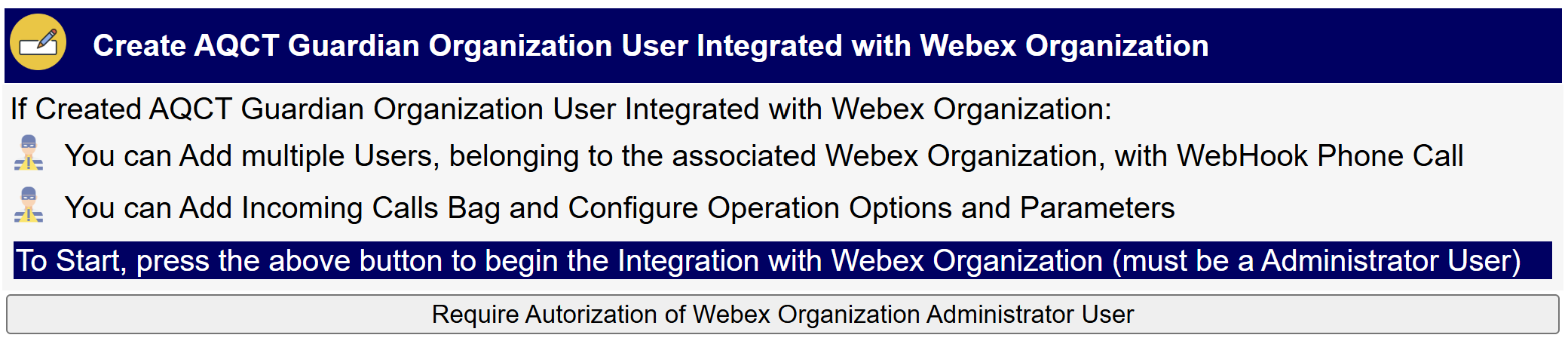
To Start, press Require Autorization of Webex Adninistrator User button that show
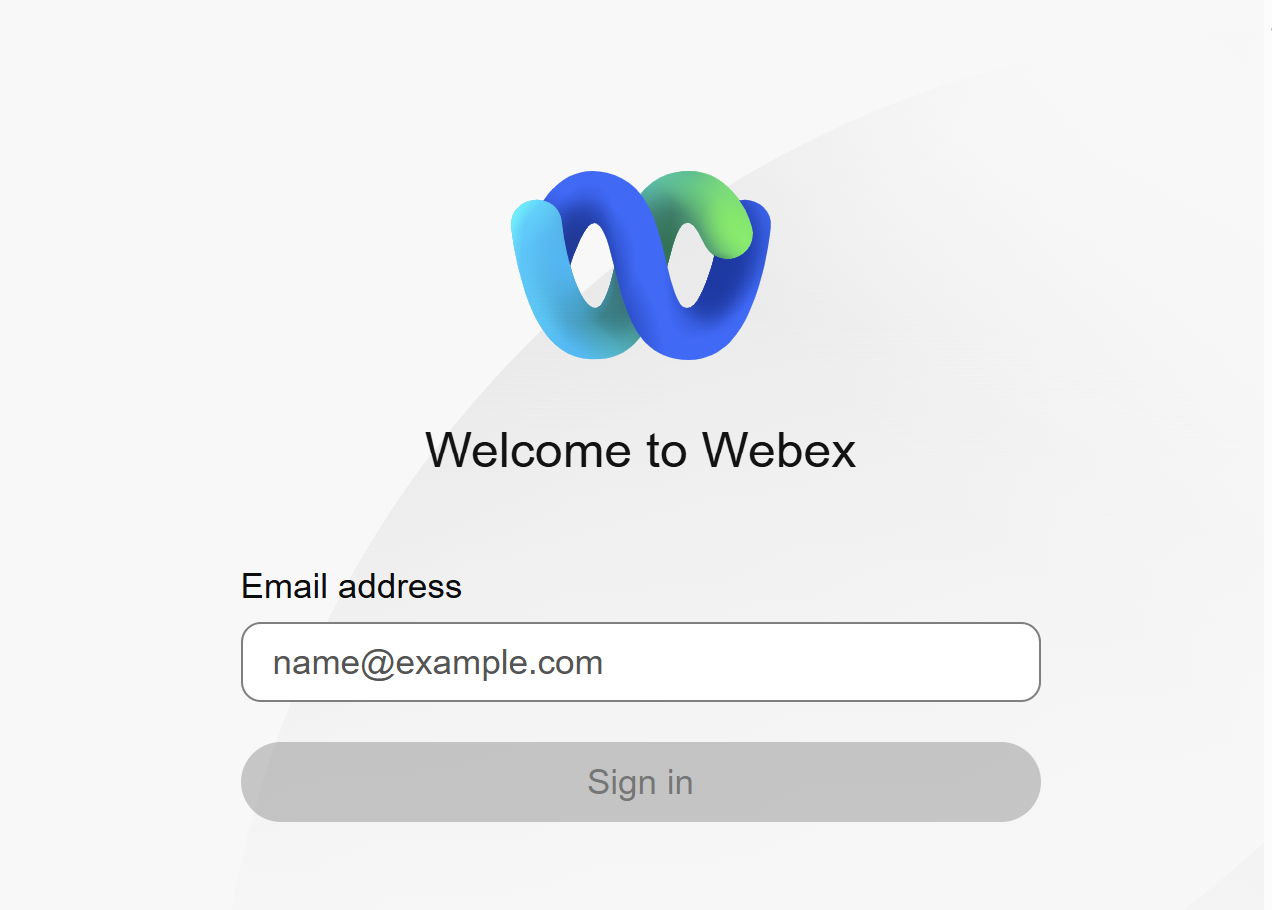
Enter the Credential of Webex Organization Administrator User.
If this Ok, return to the Create Web Page and show
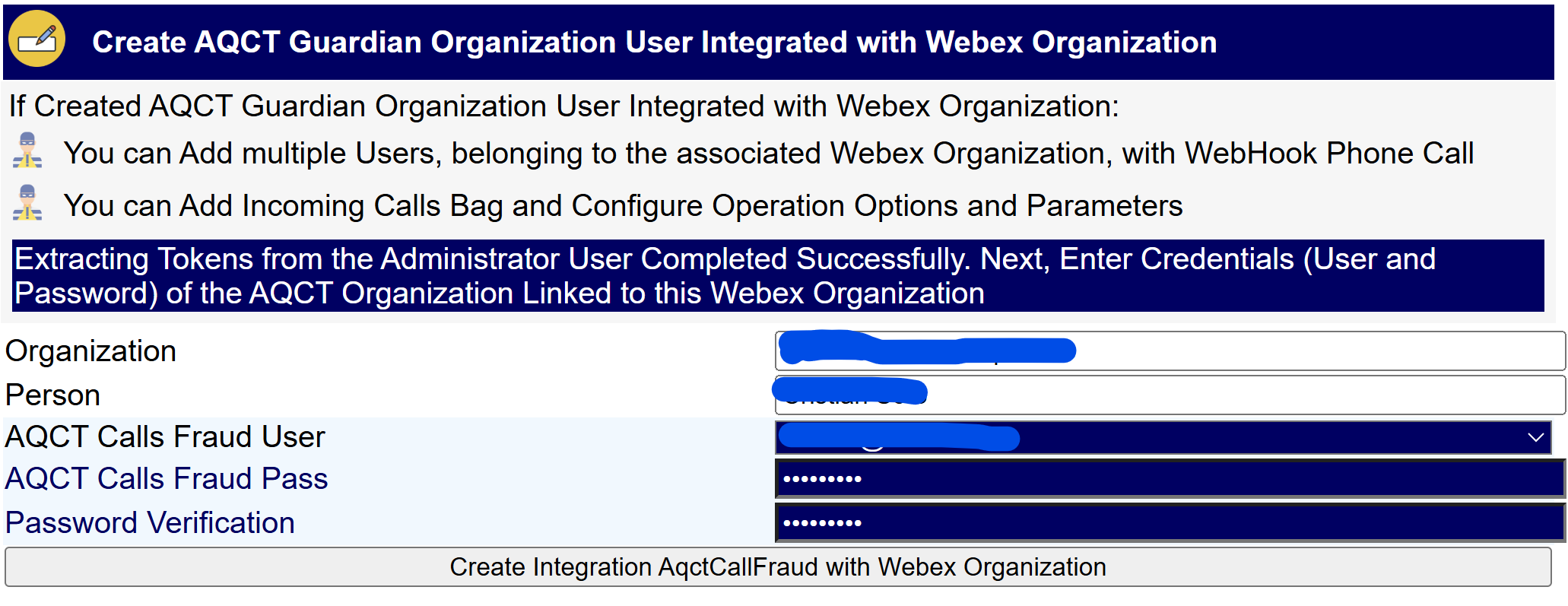
Extracting Tokens from the Webex Administrator Completed Successfully
Now
•Enter Password of the AqctCallFraud Organization that will Link to the Webex Organization
•Press button Created Integration AqctCallFraud with Webex Organization
Showing
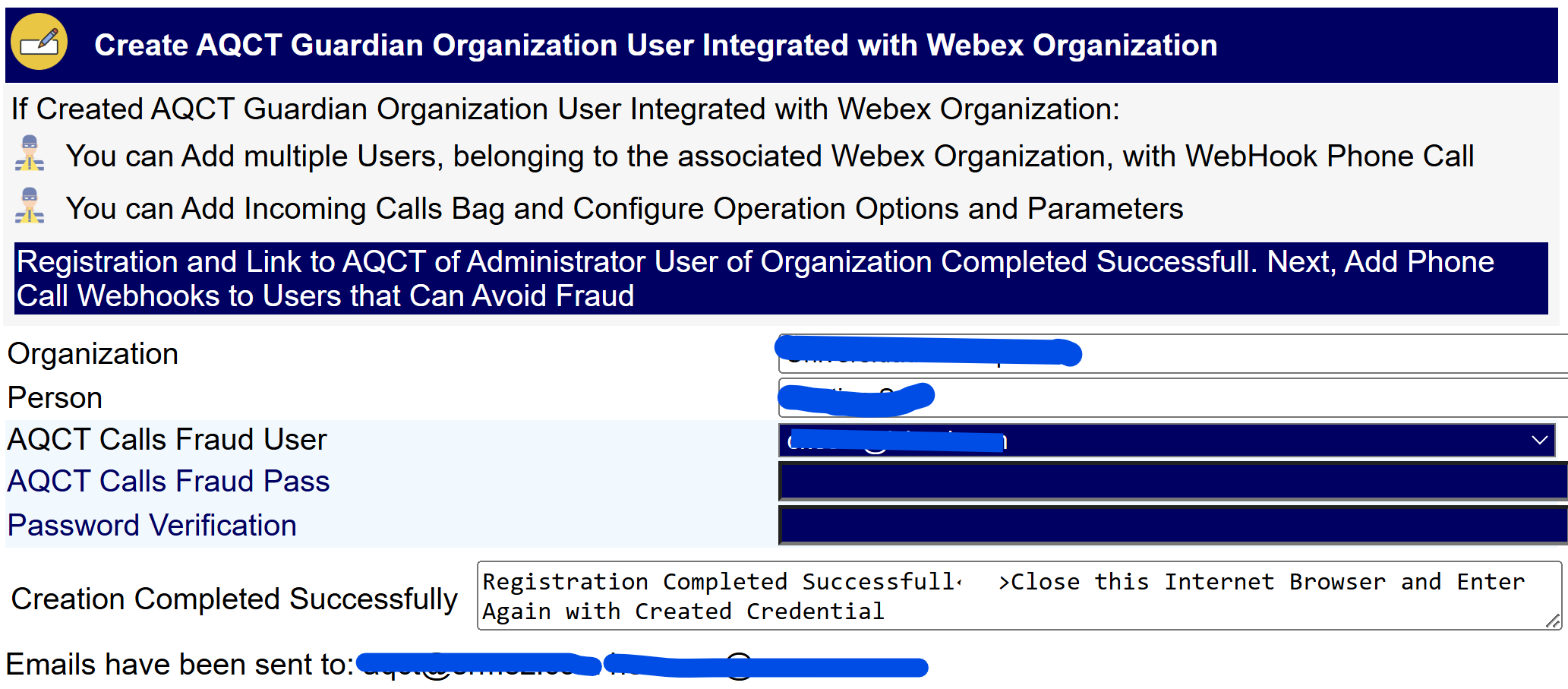
In addition, the following message is sent
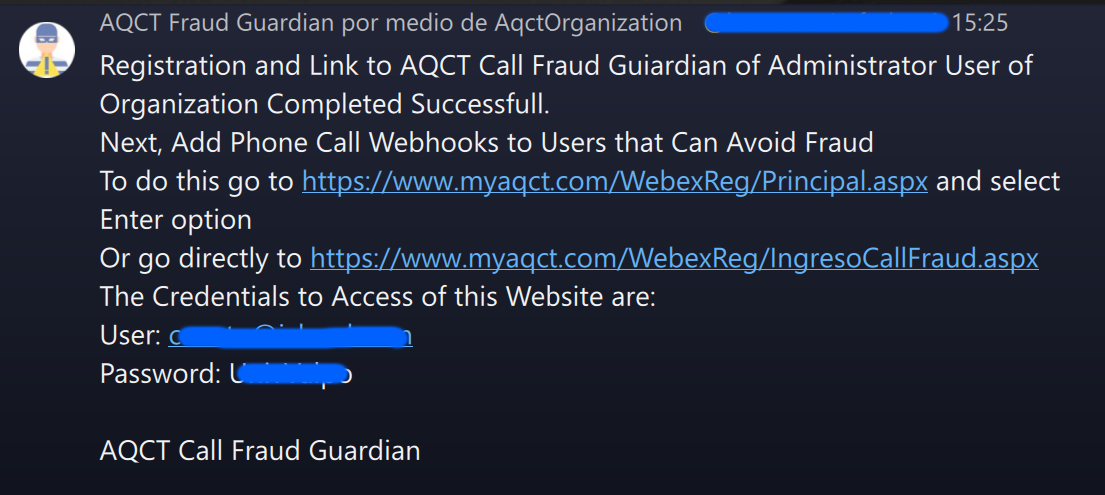
Now Close the Web Browser that you are using. This is necessary to Close the Internet Session on the Webex OAut Authorization page used to Create Token. Fundamental if you want to immediately Add Incoming Calls WebHooks.
To Enter Again, go to AQCT Calls Fraud Guardian Web Page and select Enter option